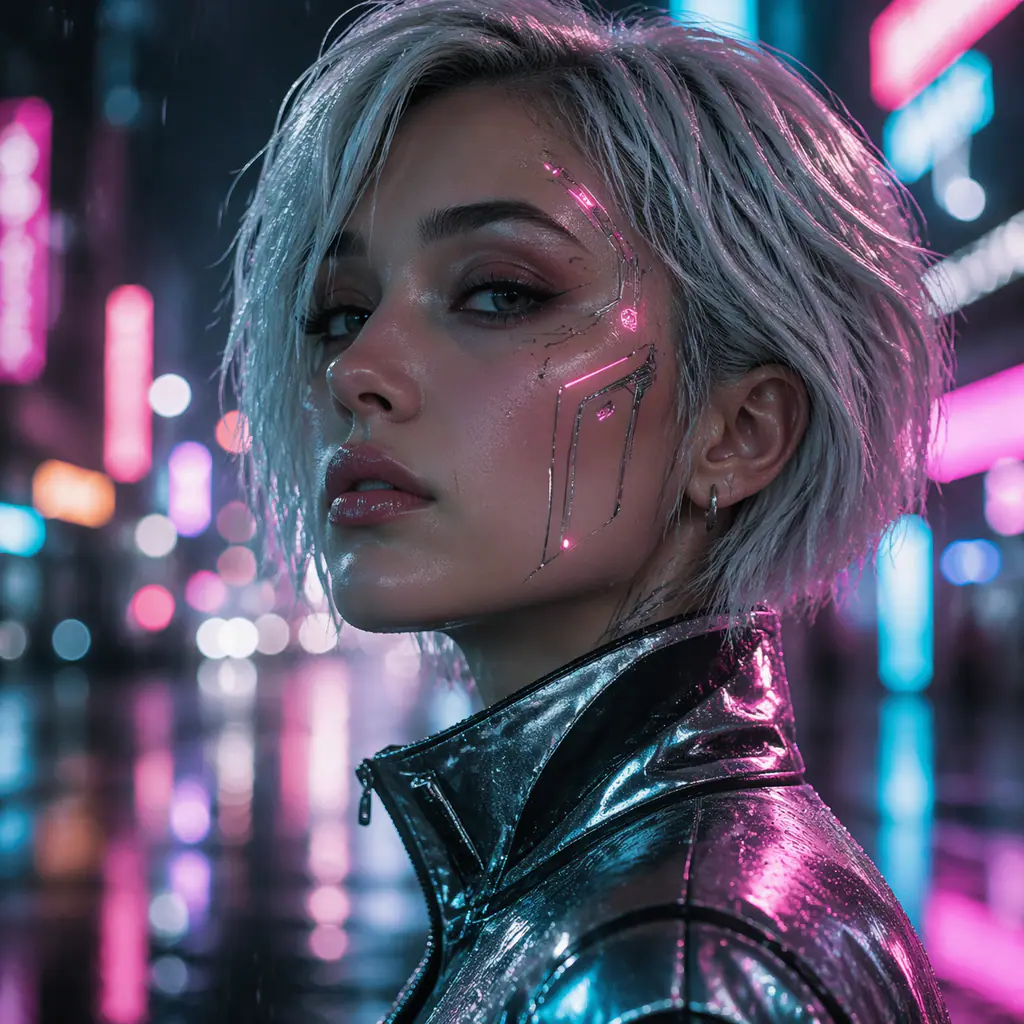

High-resolution delivery
Use Basic for a 2K image or High for a 4K image. Choose 4K when the asset needs room for cropping, product detail, a wide hero, or a larger export; use 2K while testing directions.
50% off annual50% off yearly GPT Image 2 credits
Verified this site’s current integration image workflow
Create from text or guide a new image with up to 14 references. Seedream 5 Lite supports 2K and 4K output, eight practical aspect ratios, and PNG or JPEG delivery through the this site’s current integration API used on this page.
Create with Seedream 5 LiteSeedream 5 Lite is an image generation option delivered on this site through this site’s current integration. It has separate text-to-image and image-to-image endpoints, so a prompt can start a composition from scratch while uploaded references can guide subject, style, color, or layout.
The useful distinction is its interface, not an unverified benchmark claim: Lite exposes up to 14 reference images and outputs either 2K in Basic quality or 4K in High quality. That makes it practical for creative teams that need several visual inputs, multiple delivery ratios, or a high-resolution final asset. We do not claim that Lite is faster than Pro because no comparable latency result is published in the sources used for this page.
The values below come from this site’s current integration’s current text-to-image and image-to-image documentation, not third-party model directories.
| Model | Output | Reference images | Aspect ratios | Credits | Best fit |
|---|---|---|---|---|---|
| Seedream 5 Lite | Basic 2K / High 4K | 14 | 1:1 · 4:3 · 3:4 · 16:9 · 9:16 · 2:3 · 3:2 · 21:9 | 85 | You need 4K output or a 21:9 panoramic canvas. |
Prompt: 3–3000 characters · Input: JPEG / PNG / WebP · Maximum documented input size: 10 MB/image · Output: PNG / JPEG
These examples illustrate four useful brief types. Captions explain the visual decisions rather than presenting unverified benchmark scores.


Its verified strengths come from flexible inputs and delivery controls rather than unsupported claims about reasoning or typography.
Use Basic for a 2K image or High for a 4K image. Choose 4K when the asset needs room for cropping, product detail, a wide hero, or a larger export; use 2K while testing directions.

Up to 14 references can contribute subject cues, palette, material, lighting, or composition. A deliberate reference set is more useful than uploading many unrelated images.

The API supports square, landscape, portrait, editorial, and 21:9 panoramic output. This covers product cards, ads, stories, posters, thumbnails, and website banners without relying on a later crop.

Start from a prompt for exploration, or upload an image when the task depends on an existing product, scene, or visual direction. Both modes share quality, ratio, and format controls.
Lite works best when the brief is concrete and the output requirements are known before generation.

Combine a clean product reference, a material or lighting reference, and a layout reference. Describe which image controls each part of the result instead of asking the model to infer their roles.

Reuse the same core brief at 1:1, 4:5, 9:16, and 16:9. Regenerate for each composition rather than cropping one image across every placement.

Use 21:9 for wide landing-page art. Put the subject on one side and request clean negative space on the other so headings and buttons remain readable.

Test composition and prompt wording in 2K, lock the useful direction, then rerun the final brief at 4K. This avoids spending high-resolution generations on unresolved concepts.
A reference works better when the prompt gives it one clear job. The model receives URLs, not semantic labels, so describe the role of each uploaded image in order.
Use the clearest image for the product, person, object, or environment that must influence the new result. State which visible traits matter and which may change.
Use a separate image for palette, surface, lens treatment, illustration style, or lighting. Say that it controls style rather than identity.
Use a layout reference for camera angle, spacing, subject position, or negative space. Describe the intended output ratio in the same instruction.
More references do not automatically improve a result. Conflicting identities, camera angles, palettes, or styles can make the instruction ambiguous. Begin with the minimum useful set, add one role at a time, and review whether the new reference actually resolves a problem.
A strong prompt separates the deliverable from the visual direction. Name the subject, setting, composition, light, materials, palette, output use, and any elements that must not appear.

Create a square premium skincare campaign. Keep the bottle shape from reference 1, use the pale-blue stone and soft shadows from reference 2, center the bottle with generous clean space, crisp water droplets, no logo changes, no extra text.
Separates product identity from art direction and states what must remain unchanged.

Create a 21:9 sunrise coastal city hero. Place the skyline in the right half, preserve an uncluttered bright sky on the left for website copy, warm reflections on water, realistic architecture, no words or interface elements.
Connects composition to the actual placement where the image will be used.

Create a 4:5 editorial portrait with cobalt clothing and a coral studio backdrop, medium shot, direct eye contact, hard sunlight and graphic plant shadows, natural skin texture, no jewelry logos, no typography.
Defines palette, crop, light, and exclusions without vague style stacking.

Create a 16:9 modern coffee shop interior with warm oak, pale plaster, large windows and indoor trees. Eye-level architectural photography, morning sunlight, practical counter layout, calm seating zones, no people, no signage text.
Combines design constraints with a plausible photographic viewpoint.
Choose from the controls actually available here. Lite offers 4K, 21:9, and more references; Pro offers the official model’s more production-oriented positioning but is exposed here through a simpler 1K/2K this site’s current integration workflow.
| Model | Output | Reference images | Aspect ratios | Credits | Best fit |
|---|---|---|---|---|---|
| Seedream 5 Lite | Basic 2K / High 4K | 14 | 1:1 · 4:3 · 3:4 · 16:9 · 9:16 · 2:3 · 3:2 · 21:9 | 85 | You need 4K output or a 21:9 panoramic canvas. |
| Seedream 5 Pro | Basic 1K / High 2K | 10 | 1:1 · 4:3 · 3:4 · 16:9 · 9:16 · 2:3 · 3:2 | 110 / 215 (+10) | The brief contains multiple information levels, content zones, or language requirements. |
Scale with more generations, 4K upscaling, and commercial rights.
Cancel anytime
What's included
What's included
What's included
Credits activate instantly for GPT Image 2 image generation and editing workflows.
Direct answers about the version available on this site.
Yes. this site’s current integration provides separate Seedream 5 Lite endpoints for text-only generation and generation guided by uploaded image URLs. This page chooses the appropriate mode based on whether references are present.
this site’s current integration documents Basic quality as 2K and High quality as 4K. Both text-to-image and image-to-image use the same quality choices.
The this site’s current integration image-to-image endpoint accepts up to 14 JPEG, PNG, or WebP references, with a documented maximum size of 10 MB per image.
Seedream 5 Lite supports 1:1, 4:3, 3:4, 16:9, 9:16, 2:3, 3:2, and 21:9 through the current this site’s current integration API.
One Seedream 5 Lite output uses 85 site credits in either Basic or High quality. The server calculates the charge rather than trusting a client-supplied value.
No comparative latency claim is made on this page. The reviewed this site’s current integration documentation describes parameters and output quality but does not provide a controlled Lite-versus-Pro speed benchmark.
Those capabilities are not documented for the Lite this site’s current integration endpoints used here. Treat the output as a single PNG or JPEG and verify any important text manually.
Assign each reference one role—subject, style, material, lighting, or composition—and begin with the smallest useful set. Add references only when they resolve a specific gap.
This page uses this site’s current integration’s current endpoint documentation as the source of truth for Lite. We intentionally exclude unsupported claims from third-party model directories.
Sources reviewed July 11, 2026.
Continue with model comparisons, prompt ideas, and practical guidance inside GPT Image 2.
Return to the generator with the right Seedream 5 model already selected, or compare credit plans before a larger production run.